Follow a Programme to 100 Press-Ups, or Train Freely

The programme ends at one set of 100 press-ups. You can also train freely, and Pushanova counts the workout on iPhone, iPad, and Apple Watch.

Download on the App Store

Free to start. No account. No ads.

Apple Watch showing Pushanova counting press-ups

Follow the Programme and Train Freely

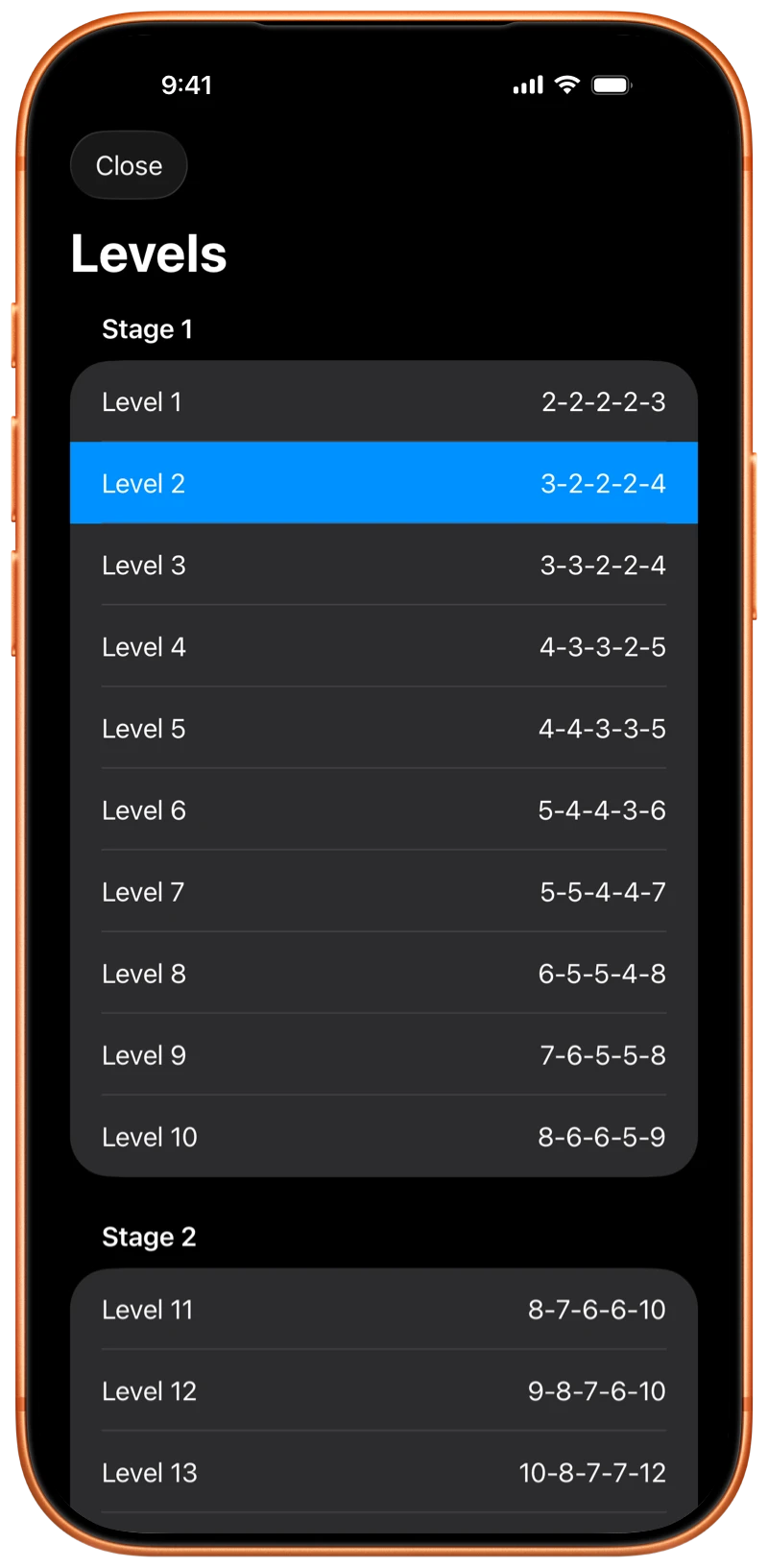
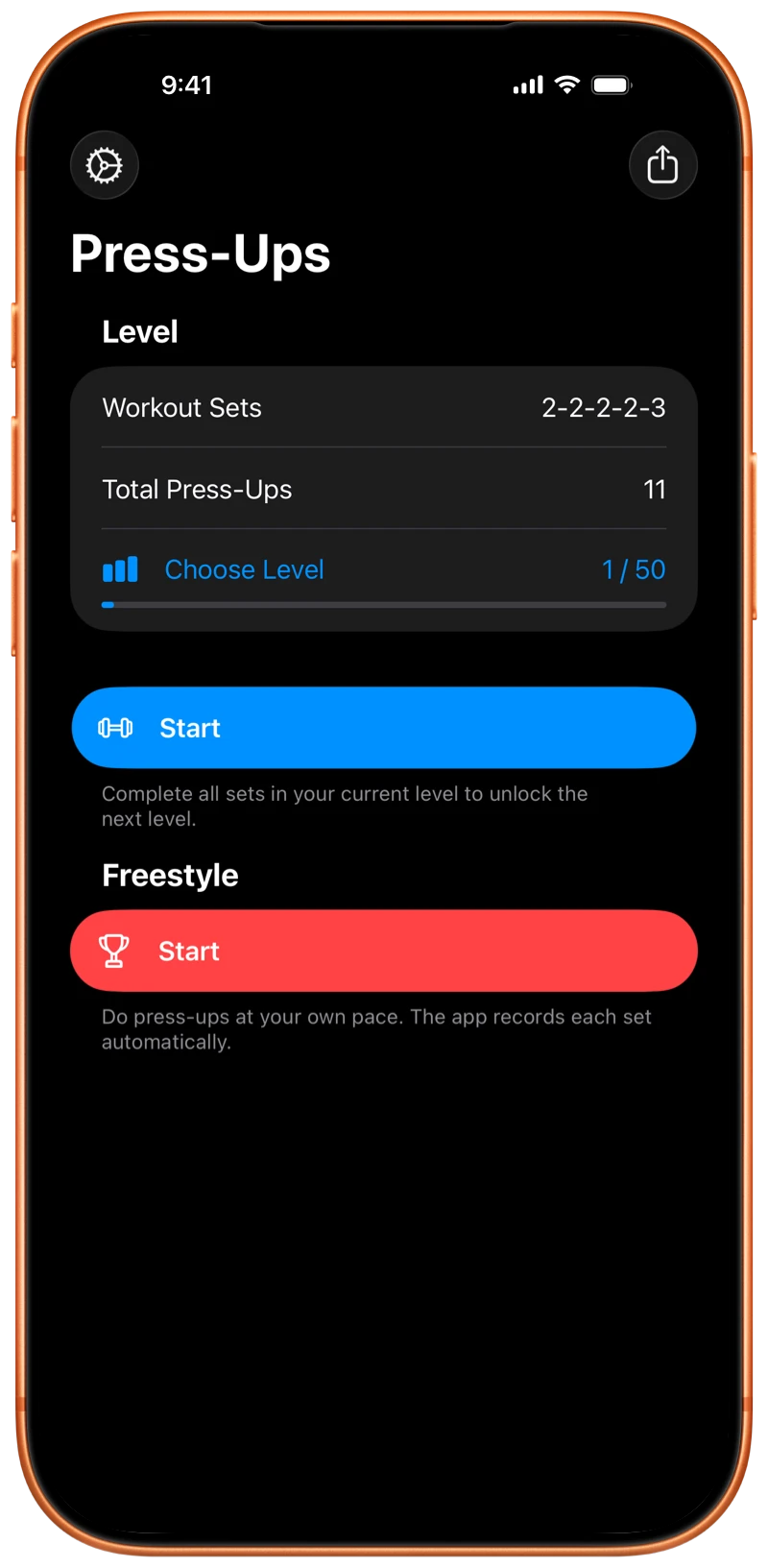
The programme has 50 levels in three stages. Start at any level. The final level is one set of 100 press-ups.

Train freely when you do not want preset targets. You choose the press-ups and sets, and you can return to the programme for the next workout.

The first 10 levels are free. Pushanova Premium unlocks levels 11–50.

iPhone showing the Pushanova programme levels

Automatic Press-Up Counting

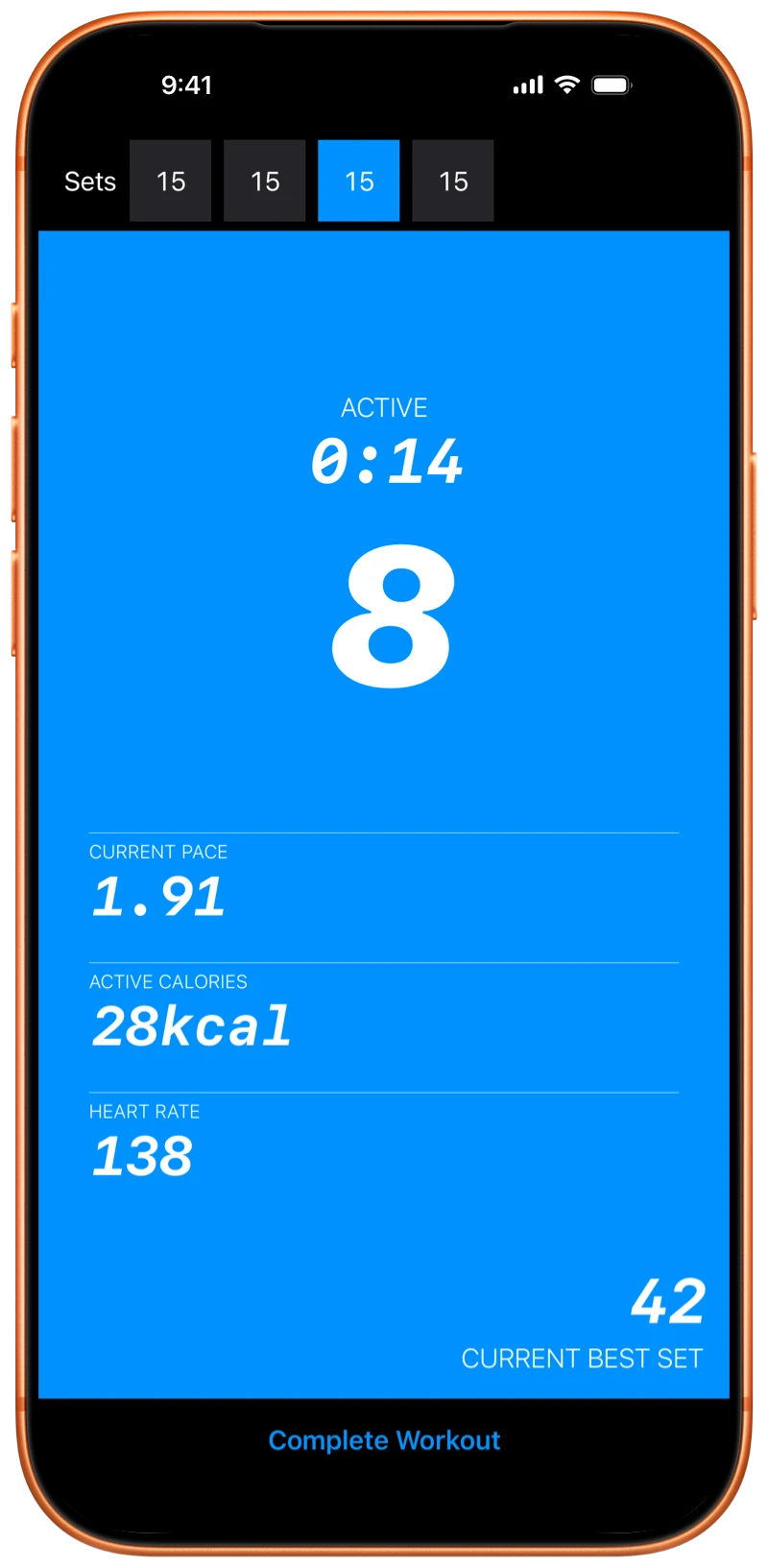
On iPhone and iPad, place the device on the floor and do press-ups towards the front camera. Pushanova counts your press-ups as you move. Automatic counting does not take photos or record video.

On Apple Watch, Pushanova counts press-ups from the movement of your wrist. This supports floor press-ups and elevated press-ups on benches and horizontal bars.

You can also count one press-up each time you tap the screen. If you complete a workout without Pushanova, you can enter the sets and press-up counts by hand on iPhone or iPad.

iPhone showing Pushanova counting press-ups during a workout

Train on Apple Watch With or Without Your iPhone

Complete a Workout on Apple Watch

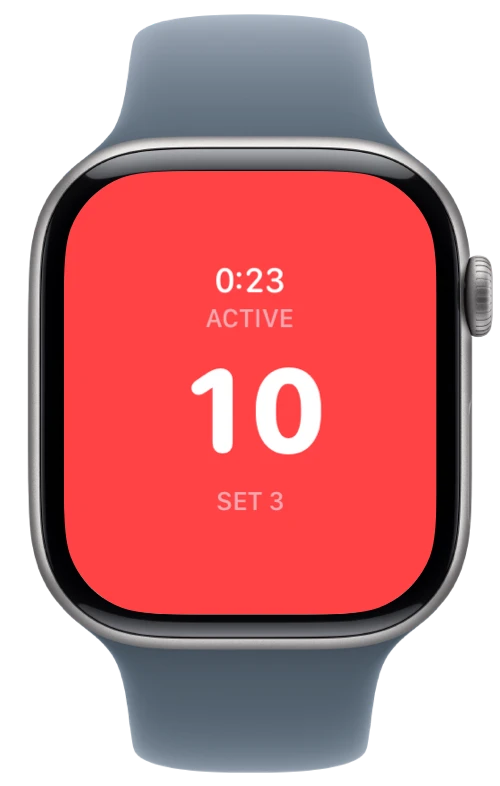
Start and complete a workout on Apple Watch without your iPhone nearby. The Watch app counts your press-ups and shows the current workout phase, press-up count, set, timer, pace, heart rate, and active calories.

Haptic feedback confirms press-ups and completed sets, so you do not need to look at the screen after every movement.

You can listen to music or podcasts and control media from Apple Watch during a workout.

Use Apple Watch and iPhone Together

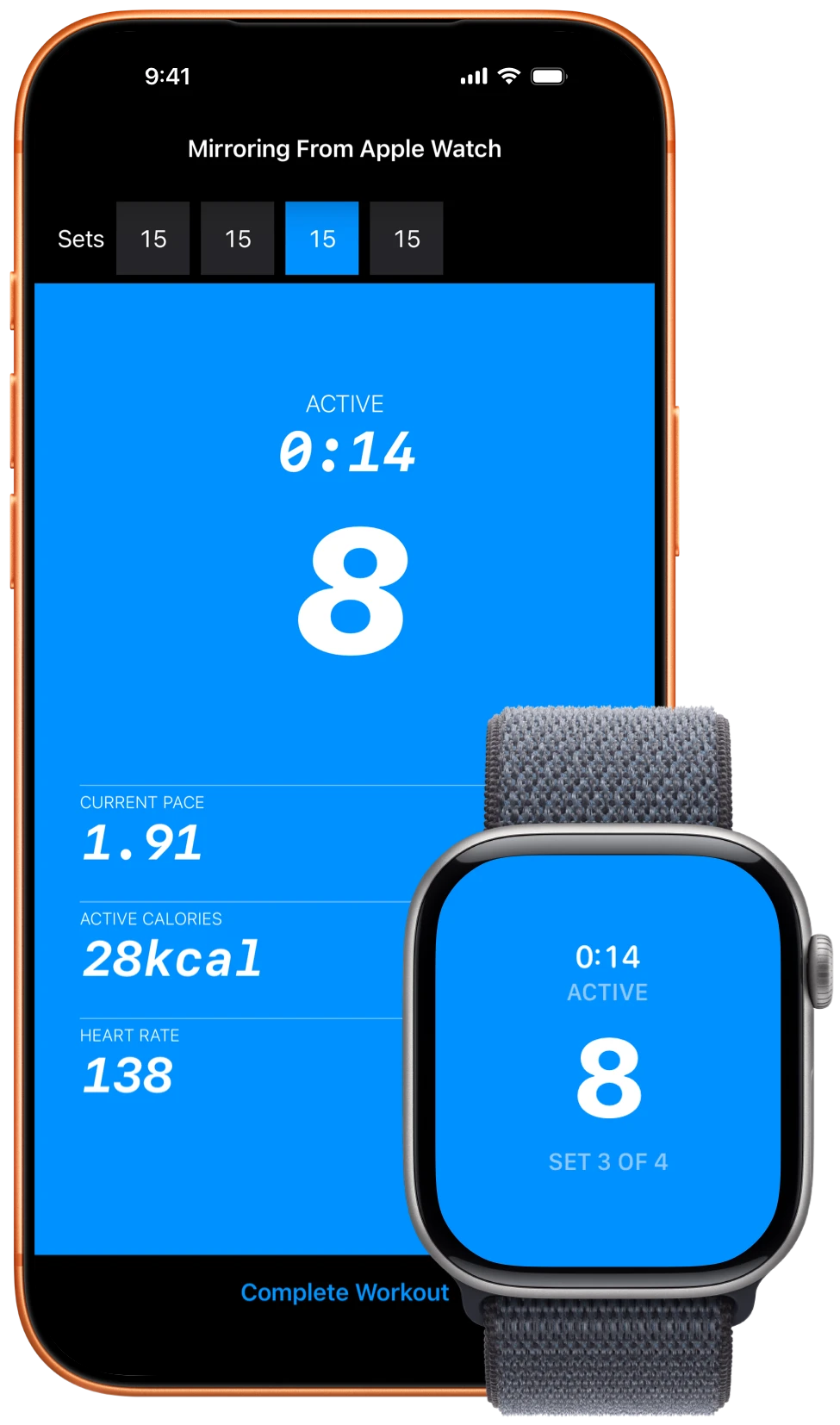
Start the workout on either device. Apple Watch can count your press-ups while iPhone displays the same workout. The press-up count, sets, pace, rest, and other workout information stay synchronised.

iPhone and Apple Watch showing a Pushanova workout

See Workout Information While You Train

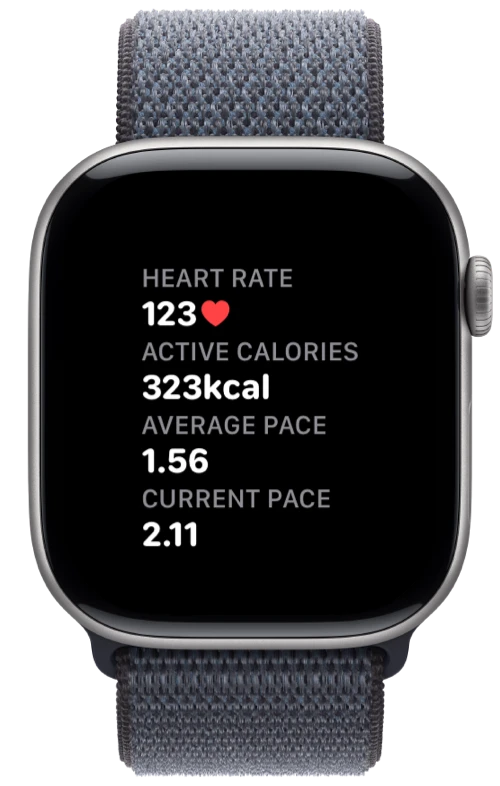
During a workout, Pushanova shows the current phase, your press-up count and set, a timer, pace, active calories, and heart rate1 when available.

On iPhone, the phase, timer, count, and set stay on the Lock Screen and in Dynamic Island. Your best set is a personal record and is not compared with other people.

Apple Watch showing Pushanova heart rate, calories, and pace

Review Your Workouts and Progress

Workout History

Every completed workout is saved, with sets, duration, calories, notes, and how it felt. Share it as a card or on a photo.

Progress Over Time

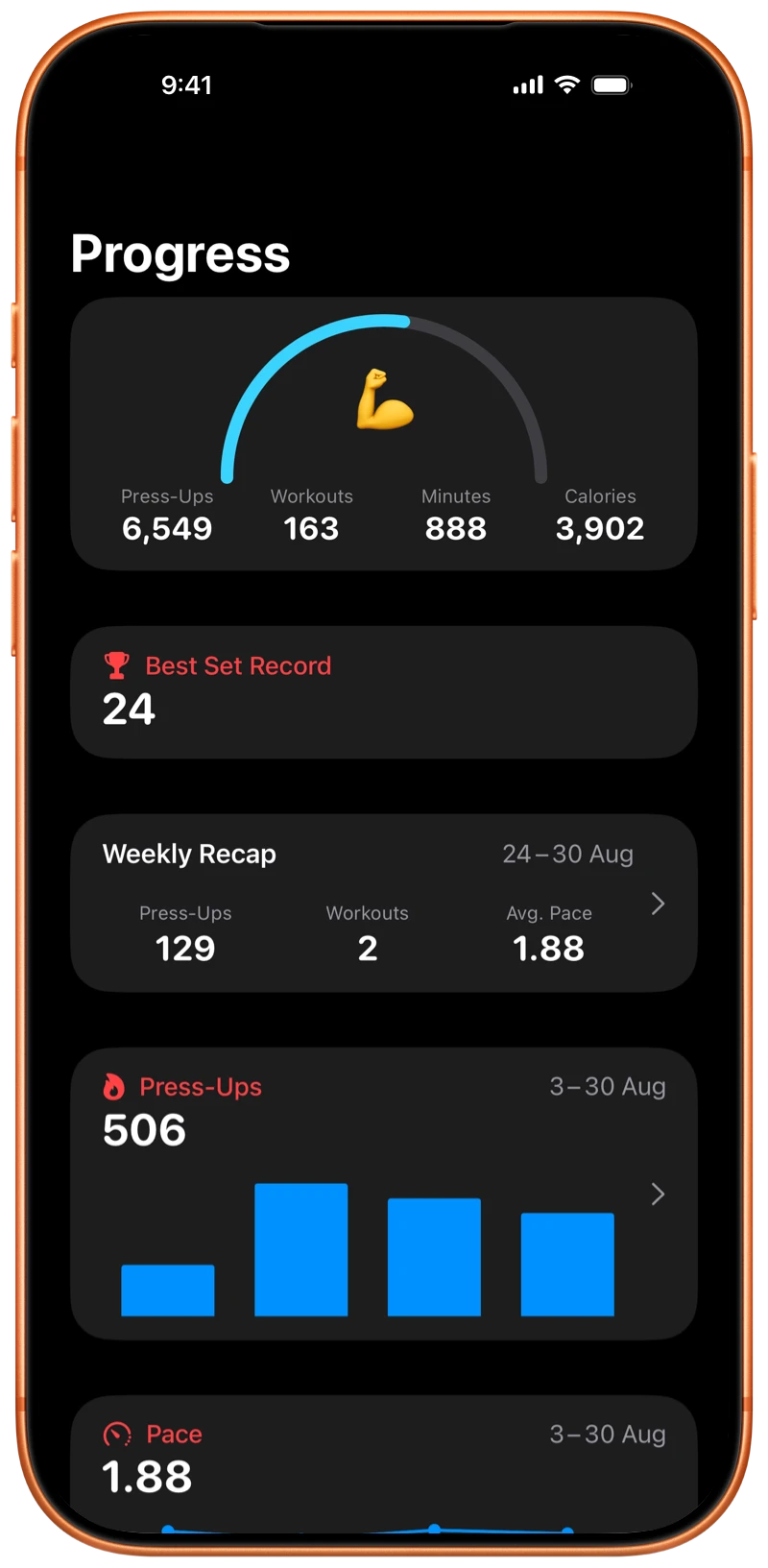
See press-ups, pace, and calories over recent weeks, the days you trained, and how this week compares with the last.

Recent Training Consistency

A gauge shows how consistently you have trained recently. Recent days count more, and missing one day does not reset it. The same view is on Home Screen, Lock Screen, and Apple Watch widgets, with lifetime totals and your best set.

iPhone showing the Pushanova Progress screen

Use Pushanova Across Apple Devices

Pushanova is a full app on iPad, with automatic counting, programme workouts, training without preset targets, workout history, progress, analytics, and Apple Health.

Your workout history can synchronise between your Apple devices through your personal iCloud account. Pushanova does not require its own account.

With your permission, Pushanova saves completed strength-training workouts to Apple Health. Heart rate and active calories are included when available.

You can start and save a workout without an internet connection. iCloud synchronisation resumes when your device is online again.

Free and Premium Features

Included Free

  • The first 10 programme levels
  • Training without preset targets
  • Automatic counting on iPhone, iPad, and Apple Watch
  • Counting by tapping the screen
  • Manual workout entry on iPhone and iPad
  • Workout history, notes, and sharing
  • Recent training consistency, lifetime totals, and your highest number of press-ups in one set
  • Live workout information on the Lock Screen and in Dynamic Island
  • Recent training consistency widgets
  • Training reminders
  • Apple Health and iCloud synchronisation

Pushanova Premium

  • Programme levels 11–50 and the complete path towards 100 press-ups
  • Workout calendar
  • Weekly comparisons and the Home Screen widget
  • Detailed progress charts
  • Additional pace, cadence, and heart-rate details for each workout

Pushanova Premium is available as a yearly subscription or a lifetime purchase.

Start Your First Workout

Train freely for as long as you want or begin with one of the first 10 programme levels. Automatic counting is free on iPhone, iPad, and Apple Watch.

Download on the App Store

No account. No ads.

iPhone showing the Pushanova start screen